

Pre-Build Sections for your HubSpot Website and Landing Pages
Hero Sections
Full Width Hero Section
Pre-Build Hero Section with a Full-Width Background Image
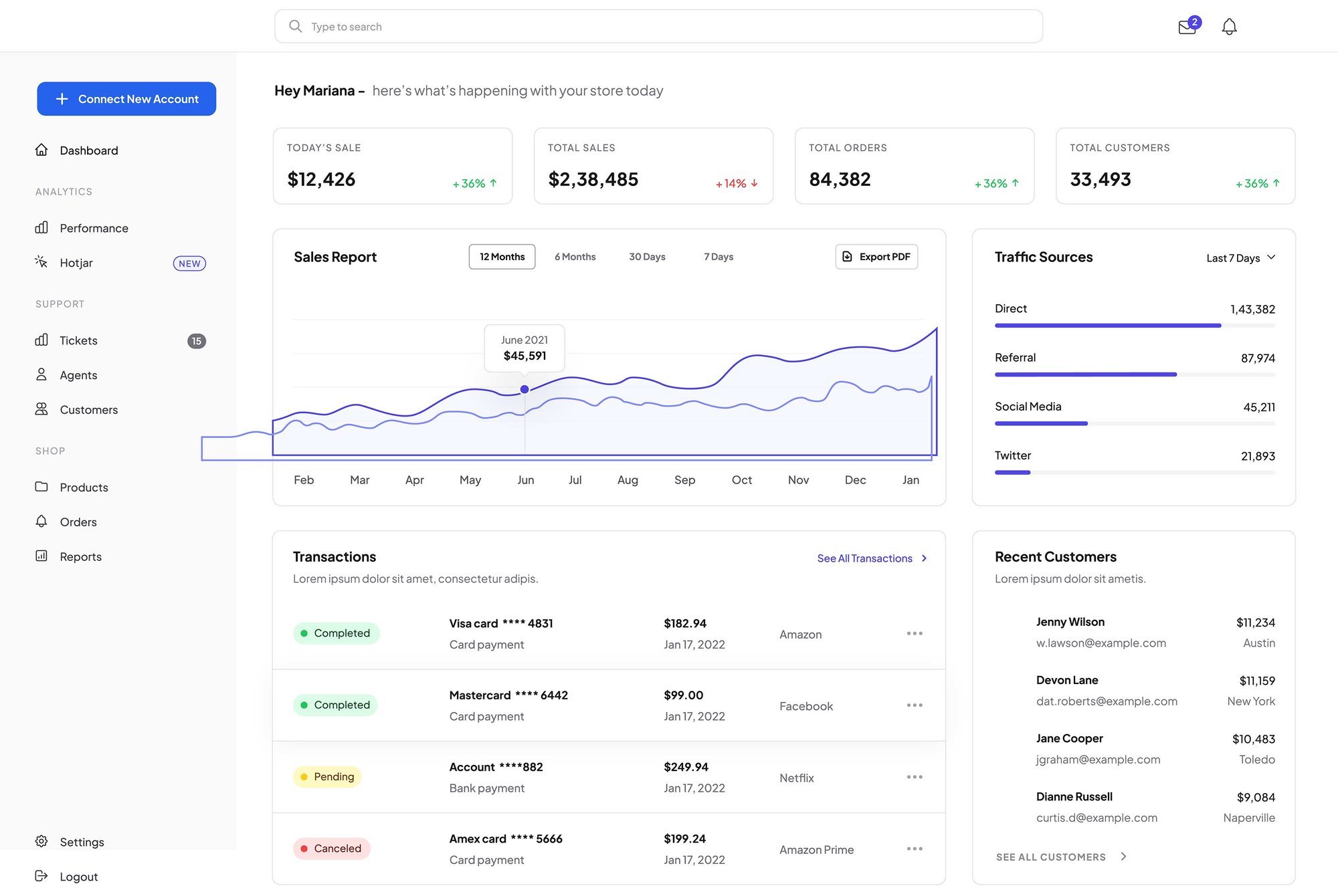
This hero section allows you to use full-bleed background images to set a mood while maintaining total control over your design through easy drag-and-drop customization.
Hero section
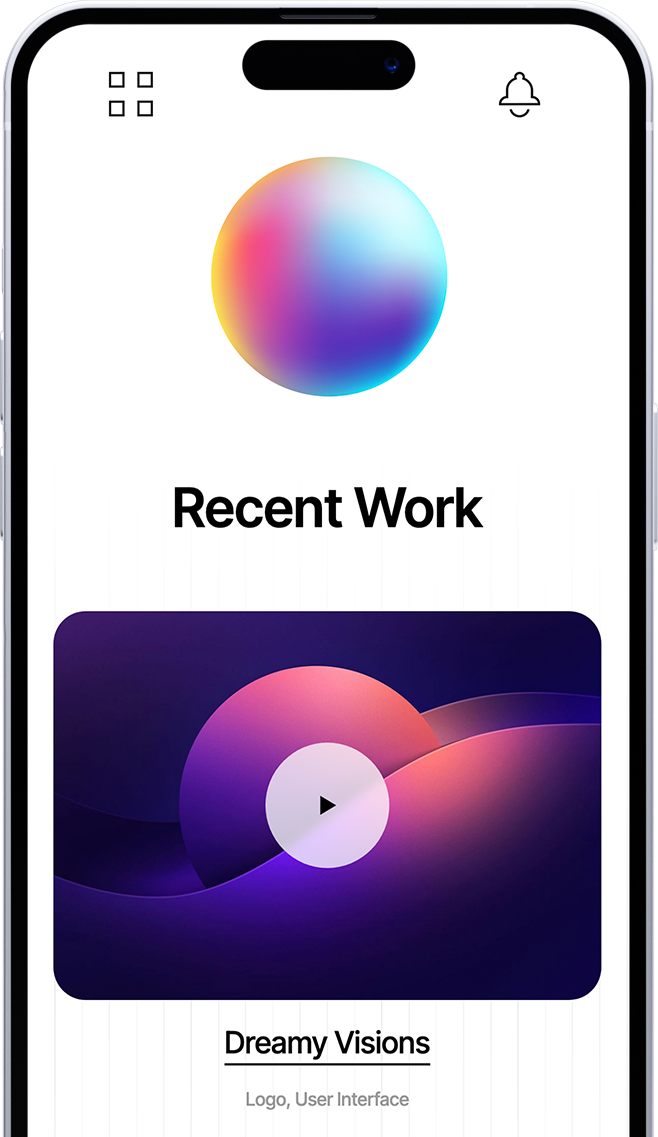
for digital products
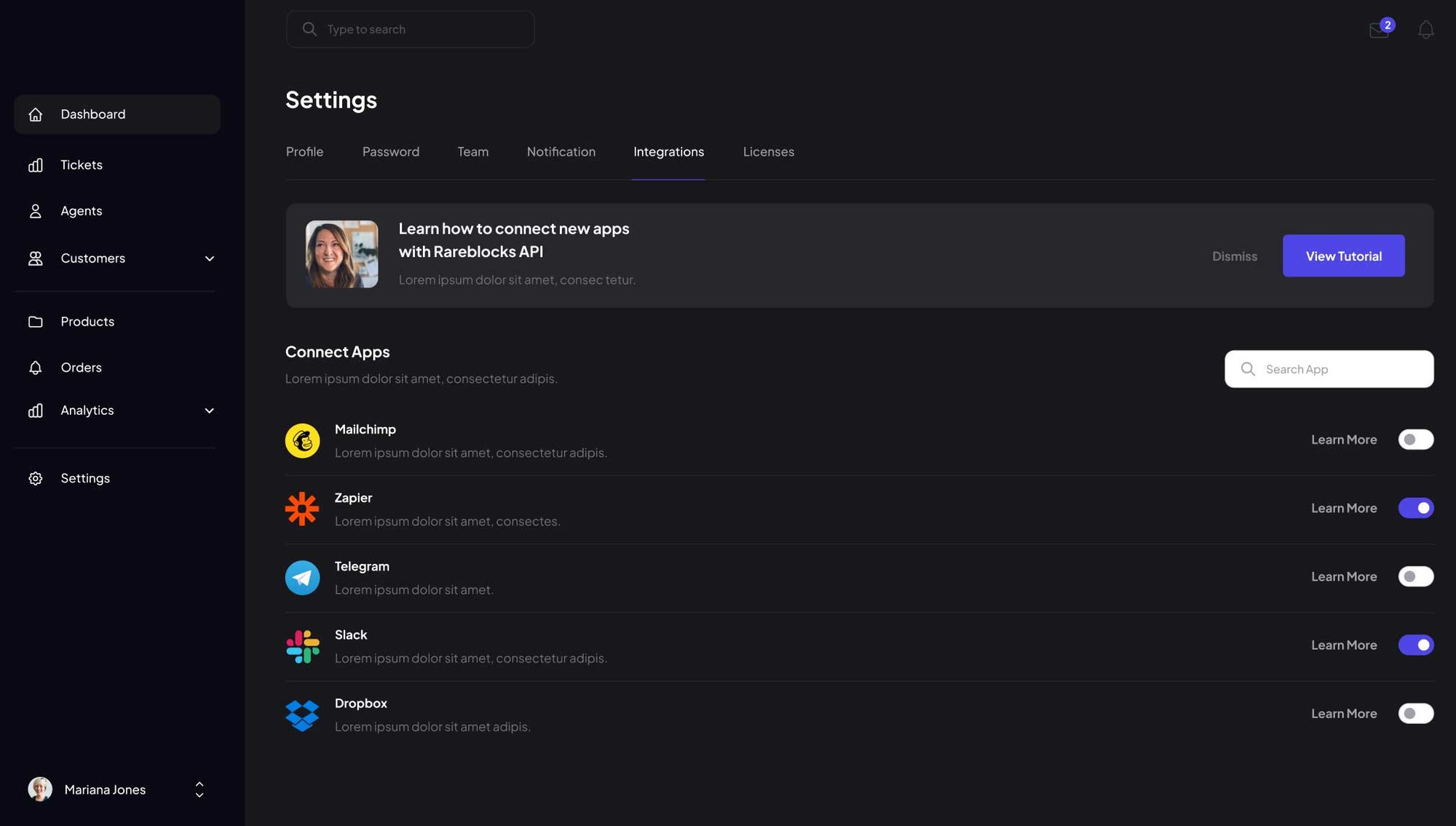
Dark mode hero
to create contrasting layouts
Full-Screen Video Hero
your buyers feel instantly.
Parallax Image Hero Section
Flexible Split Screen Hero Section with Text and Image
This pre-built layout features a dual-column design and animated imagery to launch your page quickly while allowing for full customization of colors, spacing, and alignment.

Capture Leads with a Landing Page Form Hero Section
This layout allows you to easily embed HubSpot forms directly into your page to remove unnecessary steps from the user journey. By placing your call to action front and center, you can significantly increase conversion rates and accelerate your lead generation process.
-
Sync HubSpot CRM
-
Capture High-Quality Leads
-
Automate Your Follow-Up Workflow
Drive More Installs with an App Hero
Use this hero to drive adoption for your software or digital product. It is engineered to turn high-intent traffic into active users through clear, strategic conversion triggers.

Capture Leads with a Resource Download Hero
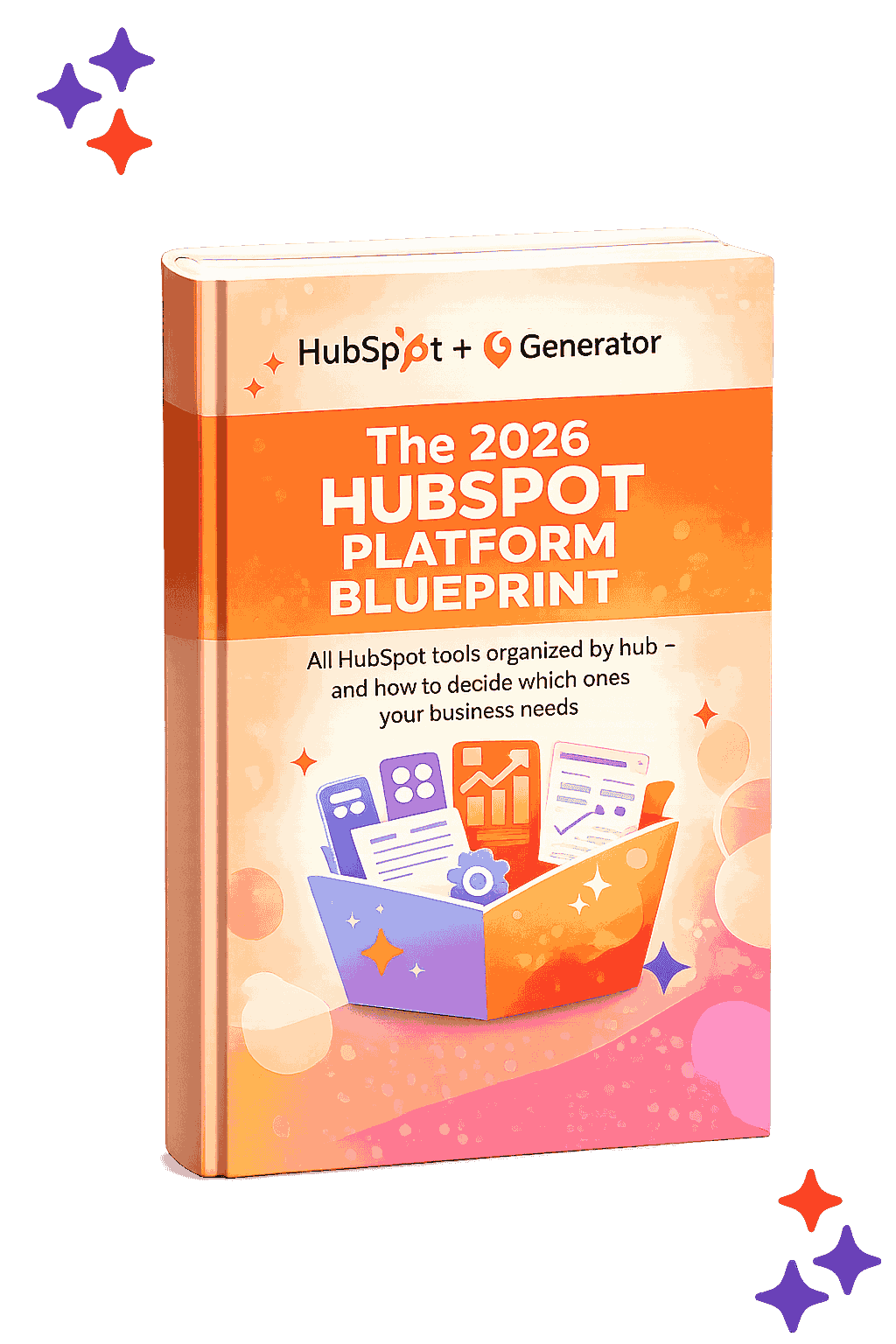
This hero is designed for middle-of-the-funnel resource offers like ebooks, whitepapers, or guides. It uses a prominent visual of your digital asset to make the offer feel tangible, encouraging visitors to exchange contact info for your expertise.

Shorten the Sales Cycle with a Meeting Scheduler Hero
Drive Event Attendance with Time-Sensitive Heroes
Content Sections

Two Column Section with Dynamic Text Reveal
Two Column Content Section with On-Scroll Image Slide-In Effect
Bring your visuals to life with customizable entrance animations.
Whether it’s a soft fade, a slide, or a zoom, these interactions add a layer of professional polish that keeps users engaged as they journey down your page.

Design High-Contrast Layouts with Built-in Dark Mode Support
-
Optimized for AI Search
-
High-contrast bullet points
-
Organize related points to signal expertise.
Use Asymmetric Layouts to Create a High-End Editorial Look and Feel
Choose this layout for heavy content like mission statements, company values, or detailed philosophy sections.
By isolating the headline in the left column, you create a sophisticated visual balance that makes long-form text feel less intimidating and more prestigious.
This structure is perfect for establishing Topic Authority. Use the left-hand anchor to state a broad category or pillar, and use the right-hand body text to provide the depth.
Maintain Context with Scrollable Sticky Content Sections
This column stays pinned while the right-hand column scrolls. Use it to keep a phase title or key message visible as visitors move through multiple supporting details.
Phase 01: Strategic Discovery
Start your process by defining the goals. In this right-hand column, you can stack as many cards as needed to explain your workflow.
The sticky header on the left will stay with the user as they scroll through this phase.
Phase 02: Design & Prototyping
Because this column can take any module, you can mix text, images, or even buttons here.
This flexibility allows you to show the evolution of a project while the "Phase" title remains locked on the left.
Phase 03: Final Development
As the user reaches the end of the scroll, the sticky module will naturally unpin and follow the rest of the page.
Use this final card to drive a call-to-action or summarize the final outcome of your process.
Phase 04: Launch & Optimize
Deploy your final assets and begin the continuous process of monitoring data to improve performance over time.
Organize Complex Information Into Content Tabs
Use this pairing when you want copy and an image to line up along the middle when heights differ. Adjust Vertical Alignment if you prefer top- or bottom-aligned columns.
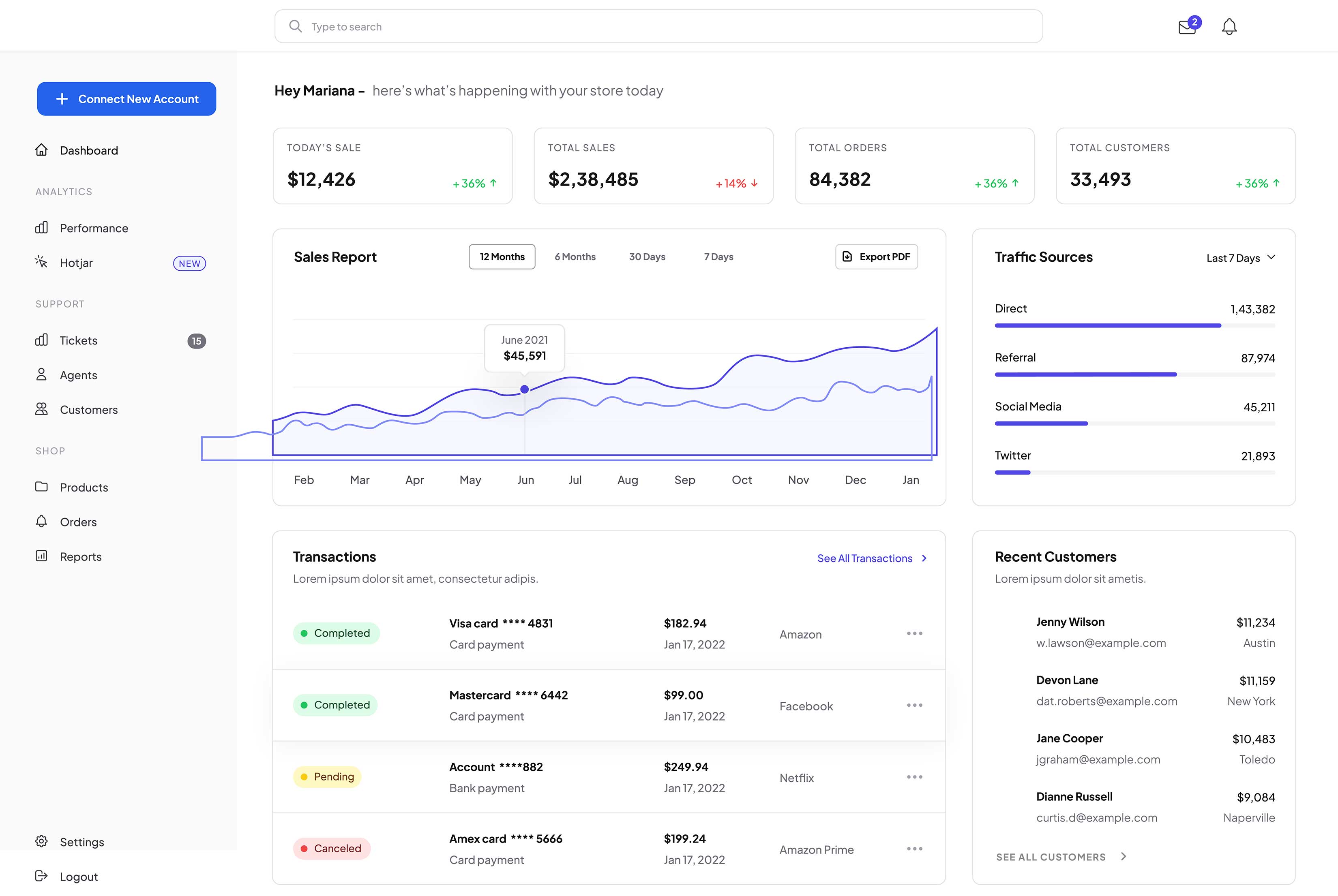
Image left, copy right
Set column one to Image and column two to Rich Text when you want to lead with a visual. Widen or narrow the first column so the photo and text stay readable on every screen size.

Organize Complex Information Into Content Tabs
Use this pairing when you want copy and an image to line up along the middle when heights differ. Adjust Vertical Alignment if you prefer top- or bottom-aligned columns.
Image left, copy right
Set column one to Image and column two to Rich Text when you want to lead with a visual. Widen or narrow the first column so the photo and text stay readable on every screen size.

Interactive Visual Cues
Optimize for AEO Intent
Highlight Your Primary Features With Expansive Bento Grid Layout
Second story in the right column
Complete the bento: third tile
Highlight Your Primary Features With Expansive Bento Grid Layout
Second story in the right column
Complete the bento: third tile
Categorize Your Content
Drive Targeted Actions
Rank for Your Topics
Two Column Section with Card Slider Module
This section demonstrates the flexibility of the Generator Theme. You aren't limited to simple text; you can drag advanced modules like this Card Slider into any column to create high-density, feature-rich layouts.
Animated Progress Tracking
Versatile Data Formatting
Scalable Success Metrics

Animated Progress Tracking
Versatile Data Formatting
Free
$0/mo
1 mo. minimum - cancel any time
-
Feature item 1
-
Feature item 2
-
Feature item 3
-
Feature item 4
-
Feature item 5
Professional
$29/mo
1 mo. minimum - cancel any time
-
Feature item 1
-
Feature item 2
-
Feature item 3
-
Feature item 4
-
Feature item 5
Enterprise
$99/mo
1 mo. minimum - cancel any time
-
Feature item 1
-
Feature item 2
-
Feature item 3
-
Feature item 4
-
Feature item 5
Free
$0/year
Our most affordable plan ever!
-
Feature item 1
-
Feature item 2
-
Feature item 3
-
Feature item 4
-
Feature item 5
Professional
$299/year
Save over 15% annually
-
Feature item 1
-
Feature item 2
-
Feature item 3
-
Feature item 4
-
Feature item 5
Enterprise
$999/year
Save over 15% annually
-
Feature item 1
-
Feature item 2
-
Feature item 3
-
Feature item 4
-
Feature item 5
Pricing Table Module with Flexible Columns
Free
$0/mo
1 mo. minimum - cancel any time
-
Feature item 1
-
Feature item 2
-
Feature item 3
-
Feature item 4
-
Feature item 5
Enterprise
$99/mo
1 mo. minimum - cancel any time
-
Feature item 1
-
Feature item 2
-
Feature item 3
-
Feature item 4
-
Feature item 5
|
|
|
|
|
|
|
|---|---|---|---|---|---|
|
Feature name
|
|
|
|
|
|
|
Feature name
|
|
|
|
|
|
|
Feature name
|
|
|
|
|
|
|
Feature name
|
|
|
|
|
|

|
Feature name
|
|
|
|
|
|

Best Hubspot Theme
"Generator is the best Theme we've seen for HubSpot. High-Quality of development and we really love to work with David!"
Marcello G.CEO, Heroes Group
Best Hubspot Theme
"Generator is the best Theme we've seen for HubSpot. High-Quality of development and we really love to work with David!"
Marcello G.CEO, Heroes Group
Best Hubspot Theme
"Generator is the best Theme we've seen for HubSpot. High-Quality of development and we really love to work with David!"
Marcello G.CEO, Heroes Group
Best Hubspot Theme
"Generator is the best Theme we've seen for HubSpot. High-Quality of development and we really love to work with David!"
Marcello G.CEO, Heroes Group
Best Hubspot Theme
"Generator is the best Theme we've seen for HubSpot. High-Quality of development and we really love to work with David!"
Marcello G.CEO, Heroes Group
Best Hubspot Theme
"Generator is the best Theme we've seen for HubSpot. High-Quality of development and we really love to work with David!"
Marcello G.CEO, Heroes Group
Best Hubspot Theme
"Generator is the best Theme we've seen for HubSpot. High-Quality of development and we really love to work with David!"
Marcello G.CEO, Heroes Group
Best Hubspot Theme
"Generator is the best Theme we've seen for HubSpot. High-Quality of development and we really love to work with David!"
Marcello G.CEO, Heroes Group
“Social proof is your most underutilized conversion tool. Real testimonials signal trust to human visitors and act as entity validation signals that AI search engines use to evaluate your authority and credibility.”

Frequently Asked Questions
What is AEO and why should I include an FAQ on my page?
Answer Engine Optimization (AEO) is the process of optimizing content for AI models like ChatGPT and Google Search Generative Experience.
By providing clear, concise questions and answers, you make it easier for these engines to find and pull your content as a featured snippet or direct response.
How does the Generator FAQ module help with AEO?
AI crawlers look for "Helpful Content" that demonstrates deep expertise.
Using this module to address specific, niche-related questions signals to search engines that your page is a comprehensive resource, which can significantly boost your overall E-E-A-T (Experience, Expertise, Authoritativeness, and Trustworthiness) ranking.
Can I customize the look of the FAQ to match my brand?
Absolutely. You have full control over the "Surface" styles, including borders, corner rounding, and drop shadows. This allows you to maintain a clean, professional look that reduces cognitive load for your users while keeping them engaged with your most important technical or service-related information.
Frequently Asked Questions
What is AEO and why should I include an FAQ on my page?
Answer Engine Optimization (AEO) is the process of optimizing content for AI models like ChatGPT and Google Search Generative Experience.
By providing clear, concise questions and answers, you make it easier for these engines to find and pull your content as a featured snippet or direct response.
How does the Generator FAQ module help with "Topic Authority"?
AI crawlers look for "Helpful Content" that demonstrates deep expertise.
Using this module to address specific, niche-related questions signals to search engines that your page is a comprehensive resource, which can significantly boost your overall E-E-A-T (Experience, Expertise, Authoritativeness, and Trustworthiness) ranking.
Can I customize the look of the FAQ to match my brand?
Absolutely. You have full control over the "Surface" styles, including borders, corner rounding, and drop shadows. This allows you to maintain a clean, professional look that reduces cognitive load for your users while keeping them engaged with your most important technical or service-related information.
Features Sections
Focused Clarity
Visual Hierarchy
Scalable Growth
Drag & Drop Ease
Custom Icons
Flexible Columns
Feature Showcase
-
Seamless Tool Integration: Connect your existing software with zero downtime or complex setup.
-
Enterprise-Grade Security: Protect sensitive data with industry-standards.
-
Real-Time Performance: Monitor your business operations with instant data updates.
Interactive Drag & Drop
Full Element Control
Responsive Visuals
Call To Action Sections
Turn visitors into customers — these prebuilt CTA sections give you a high-converting foundation, ready to customize with your messaging, buttons, and background style.
Full-Width Call To Action
Dark mode CTA
for contrasting layouts
Call To Action with Parallax
Call To Action Card
Use this elevated card to draw immediate attention to your main goal. This section can also trigger a HubSpot CTA pop-up for a seamless user experience.