Skip to content
HubSpot Template

Service Details

Use this template to showcase a specific service in depth. Walk visitors through what you offer, how you deliver it, and why clients choose you β€” all in one focused, conversion-ready layout.
woman-2
Content Section

Use Content Sections to Deliver Answers with High-Impact Bullet Points

This versatile layout is the workhorse of your website. It combines a primary message with a structured list to help you rank for specific topics while providing a clear, scannable experience for your visitors.
  • AEO Optimized: Structured lists help you win featured snippets in AI search.
  • Skim-Friendly: High-contrast bullets stop the scroll and highlight key value.
  • Topic Authority: Organize related points to signal deep expertise to crawlers.
Content Section

Use the Two-Column Content Section to Balance Messaging

Place this section in the body of your page to break up long stretches of text with a high-quality visual.

It is the best way to introduce a specific service or feature while providing enough context to move the reader toward a conversion point.

woman-metrics
Section Header

Our Process

Walk potential clients through how you work. A clear, structured process builds trust and reduces the friction of getting started.
How We Work

A Step-By-Step Process Designed Around Your Success

Each phase of our process is intentional. The cards on the right walk through the key milestones β€” scroll through them while this panel stays anchored to keep the full picture in view.

Phase 01: Strategic Discovery

Start your process by defining the goals. In this right-hand column, you can stack as many cards as needed to explain your workflow.

The sticky header on the left will stay with the user as they scroll through this phase.

Phase 02: Design & Prototyping

Because this column can take any module, you can mix text, images, or even buttons here.

This flexibility allows you to show the evolution of a project while the "Phase" title remains locked on the left.

Phase 03: Final Development

As the user reaches the end of the scroll, the sticky module will naturally unpin and follow the rest of the page.

Use this final card to drive a call-to-action or summarize the final outcome of your process.

Phase 04: Launch & Optimize

Deploy your final assets and begin the continuous process of monitoring data to improve performance over time.


Section Header

Recent Projects

Showcase your best work here. Use this section to demonstrate the range and quality of your service with real project examples.

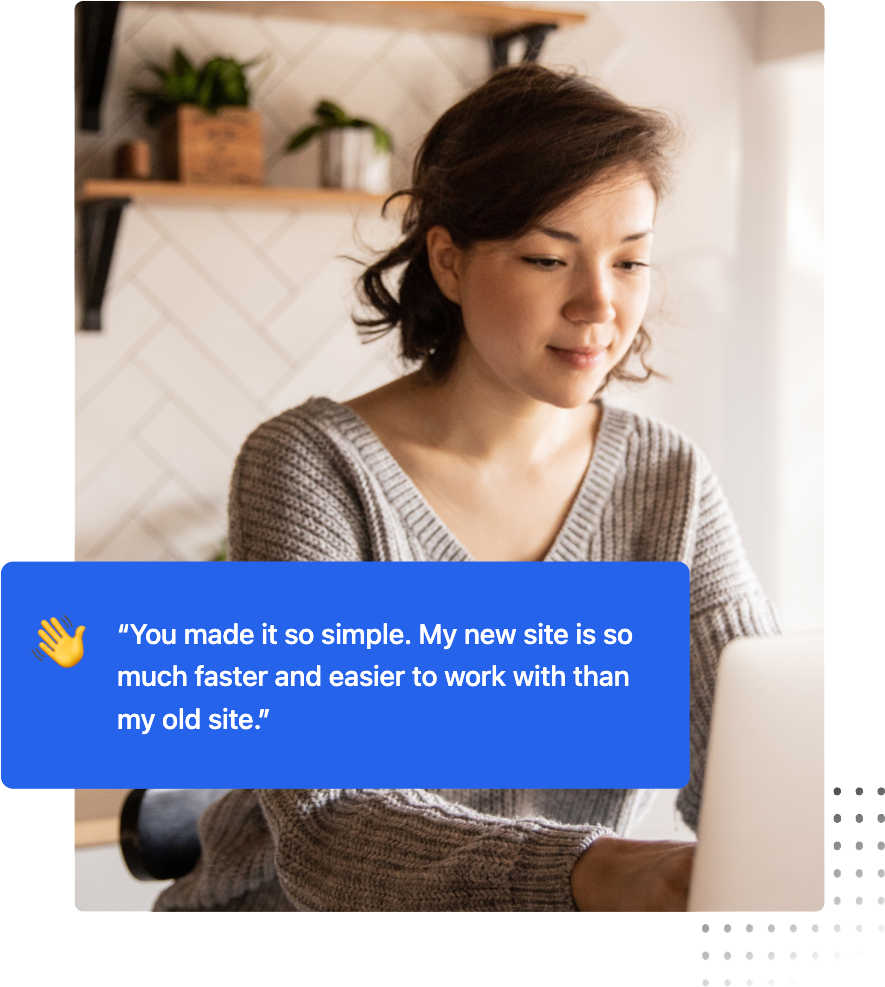
β€œSocial proof is your most underutilized conversion tool. Real testimonials signal trust to human visitors and act as entity validation signals that AI search engines use to evaluate your authority and credibility.”

A photo of Shaun Benson, Marketing Manager, Agriflora
Shaun Benson, Marketing Manager, Agriflora Inc.
girl-working-on-laptop
Section Header

Go-To Blog Posts

Share your most relevant articles here. Use this section to position your team as the go-to experts in your space and keep visitors engaged longer.
FAQ Module

Frequently Asked Questions

This FAQ module is more than just a support tool; it’s a strategic asset designed to help your brand surface as a Direct Answer in AI-driven search results.
What is AEO and why should I include an FAQ on my page?

Answer Engine Optimization (AEO) is the process of optimizing content for AI models like ChatGPT and Google Search Generative Experience.

By providing clear, concise questions and answers, you make it easier for these engines to find and pull your content as a featured snippet or direct response.

How does the Generator FAQ module help with "Topic Authority"?

AI crawlers look for "Helpful Content" that demonstrates deep expertise.

Using this module to address specific, niche-related questions signals to search engines that your page is a comprehensive resource, which can significantly boost your overall E-E-A-T (Experience, Expertise, Authoritativeness, and Trustworthiness) ranking.

Can I customize the look of the FAQ to match my brand?

Absolutely. You have full control over the "Surface" styles, including borders, corner rounding, and drop shadows. This allows you to maintain a clean, professional look that reduces cognitive load for your users while keeping them engaged with your most important technical or service-related information.

Call To Action

Full-Width Call To Action

Place this section at the end of a page to provide a clear next step. The button above is set to open the chat window by default β€” update the button behavior in the Content panel to link to a page, scroll to a section, or keep it as a live chat trigger.