Skip to content
App Hero

Drive More Installs with an App Hero

Use this hero to drive adoption for your software or digital product. It is engineered to turn high-intent traffic into active users through clear, strategic conversion triggers.

Every element here is fully customizable within the HubSpot editor. You can easily adjust the layout, column spacing, and styling without touching a single line of code.
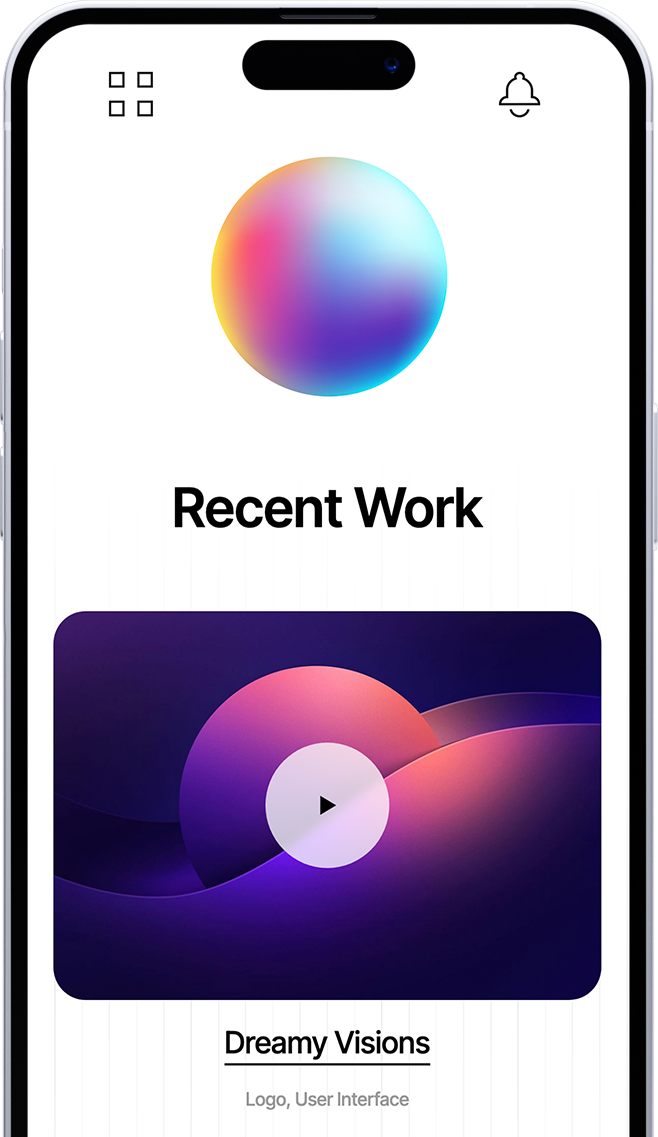
img-iphone
Logo
Logo
Logo
Logo
Logo
Section Header

Features

Use this section to highlight your app's core capabilities. Keep each card focused on a single benefit β€” what the feature does for the user, not how it works under the hood.

Elevated Styling

Use these card containers to make specific features stand out from the rest of the page layout.

Professional Depth

Add subtle shadows and borders to give your business offerings a modern, three-dimensional feel.

Distinct Focus

Separate complex information into clean, digestible units that encourage user interaction and clicks.

Dynamic Spacing

Adjust margins and padding with simple sliders to create the perfect amount of white space.

Border Customization

Fine-tune corner rounding and border weights to match your brand's unique design language.

Mobile Optimization

These cards automatically stack and resize to ensure a seamless experience on every device.
woman-2
Content Section

Use Content Sections to Deliver Answers with High-Impact Bullet Points

This versatile layout is the workhorse of your website. It combines a primary message with a structured list to help you rank for specific topics while providing a clear, scannable experience for your visitors.
  • AEO Optimized: Structured lists help you win featured snippets in AI search.
  • Skim-Friendly: High-contrast bullets stop the scroll and highlight key value.
  • Topic Authority: Organize related points to signal deep expertise to crawlers.
Content Section

Use the Two-Column Content Section to Balance Messaging

Place this section in the body of your page to break up long stretches of text with a high-quality visual.

It is the best way to introduce a specific service or feature while providing enough context to move the reader toward a conversion point.

woman-metrics
Section Header

Pricing

Choose the plan that fits your needs. Use this section to make your pricing feel approachable β€” a clear, honest breakdown of tiers is one of the strongest trust signals on any app landing page.

Position Your Modules Any Way You Want With Flexible Columns

This section demonstrates how you can drag your pricing modules into specific columns to create unique side-by-side comparisons, or to leave room for additional context like sales copy or supportive images.
 

Free

Enable the monthly and yearly toggle to show dynamic pricing. It’s the perfect way to demonstrate value and encourage users to commit to longer-term billing cycles.

$0/mo

1 mo. minimum - cancel any time

  • Feature item 1
  • Feature item 2
  • Feature item 3
  • Feature item 4
  • Feature item 5

Enterprise

Every element is customizable. You can easily add or remove feature lists, edit pricing currency, and make buttons clickable to drive users directly to your checkout.

$99/mo

1 mo. minimum - cancel any time

  • Feature item 1
  • Feature item 2
  • Feature item 3
  • Feature item 4
  • Feature item 5
Section Header

See What People Are Saying

Let your users do the selling. Real reviews and testimonials are the most credible content on your page β€” they reduce perceived risk and give hesitant visitors the social proof they need to download.

Best Hubspot Theme

"Generator is the best Theme we've seen for HubSpot. High-Quality of development and we really love to work with David!"

Generator Theme Testimonial
Marcello G.
CEO, Heroes Group

Best Hubspot Theme

"Generator is the best Theme we've seen for HubSpot. High-Quality of development and we really love to work with David!"

Generator Theme Testimonial
Marcello G.
CEO, Heroes Group

Best Hubspot Theme

"Generator is the best Theme we've seen for HubSpot. High-Quality of development and we really love to work with David!"

Generator Theme Testimonial
Marcello G.
CEO, Heroes Group

Best Hubspot Theme

"Generator is the best Theme we've seen for HubSpot. High-Quality of development and we really love to work with David!"

Generator Theme Testimonial
Marcello G.
CEO, Heroes Group
FAQ Module

Frequently Asked Questions

This FAQ module is more than just a support tool; it’s a strategic asset designed to help your brand surface as a Direct Answer in AI-driven search results.
What is AEO and why should I include an FAQ on my page?

Answer Engine Optimization (AEO) is the process of optimizing content for AI models like ChatGPT and Google Search Generative Experience.

By providing clear, concise questions and answers, you make it easier for these engines to find and pull your content as a featured snippet or direct response.

How does the Generator FAQ module help with "Topic Authority"?

AI crawlers look for "Helpful Content" that demonstrates deep expertise.

Using this module to address specific, niche-related questions signals to search engines that your page is a comprehensive resource, which can significantly boost your overall E-E-A-T (Experience, Expertise, Authoritativeness, and Trustworthiness) ranking.

Can I customize the look of the FAQ to match my brand?

Absolutely. You have full control over the "Surface" styles, including borders, corner rounding, and drop shadows. This allows you to maintain a clean, professional look that reduces cognitive load for your users while keeping them engaged with your most important technical or service-related information.

Call To Action

Ready to Download?

This is your final push. Keep the button action-oriented and tied directly to the install β€” set it to link to the App Store, Google Play, or your preferred download destination.