Skip to content
HubSpot Template

Service Details

This template provides a flexible space to organize your company’s expertise. You can move content positions, adjust the styling, and change colors instantly. It is designed to be a fully manageable, no-code environment that grows as your resource library expands.
woman-2
Content Section

Use Content Sections to Deliver Answers with High-Impact Bullet Points

This versatile layout is the workhorse of your website. It combines a primary message with a structured list to help you rank for specific topics while providing a clear, scannable experience for your visitors.
  • AEO Optimized: Structured lists help you win featured snippets in AI search.
  • Skim-Friendly: High-contrast bullets stop the scroll and highlight key value.
  • Topic Authority: Organize related points to signal deep expertise to crawlers.
Section Header

Make Your Process Easy to Understand

Walk potential clients through how you work. A clear, structured process builds trust and reduces the friction of getting started.

Walk Your Customers Through Your Process with Generator's Sticky Content Scroller

Use Generator's "Sticky" layout to walk clients through your steps. As they scroll, the header stays locked on the left so they never lose context of the overall journey.

Phase 01: Build Immediate Trust

Use this first card to set the stage. When a customer sees a clear "Phase 01," they stop worrying about the "how" and start focusing on the results.

The sticky headline on the left keeps them grounded so they always know where they are in your workflow


Phase 02: Remove the Guesswork

As the customer scrolls, this card moves while the main service title stays put. Use this space to explain the "heavy lifting."

By showing the details while keeping the big picture in sight, you remove the anxiety that usually kills a sale.


Phase 03: The Finish Line

This is where you define success. Use the final card to show the customer exactly what they get at the end of the journey.

Because they’ve been guided the whole way, the transition to your call-to-action feels like a natural next step, not a sales pitch.


Phase 04 Card: The Long-Term Win

The journey doesn't end at launch. Use this final card to explain how you monitor data, tweak performance, and ensure your customer stays ahead of the competition.

By showing this level of commitment, you turn a one-time project into a long-term partnership.


Portfolio

Related Projects

Use this adjustable slider to show your work. You can drag and drop projects into any order, change colors, and manage the layout without a developer.

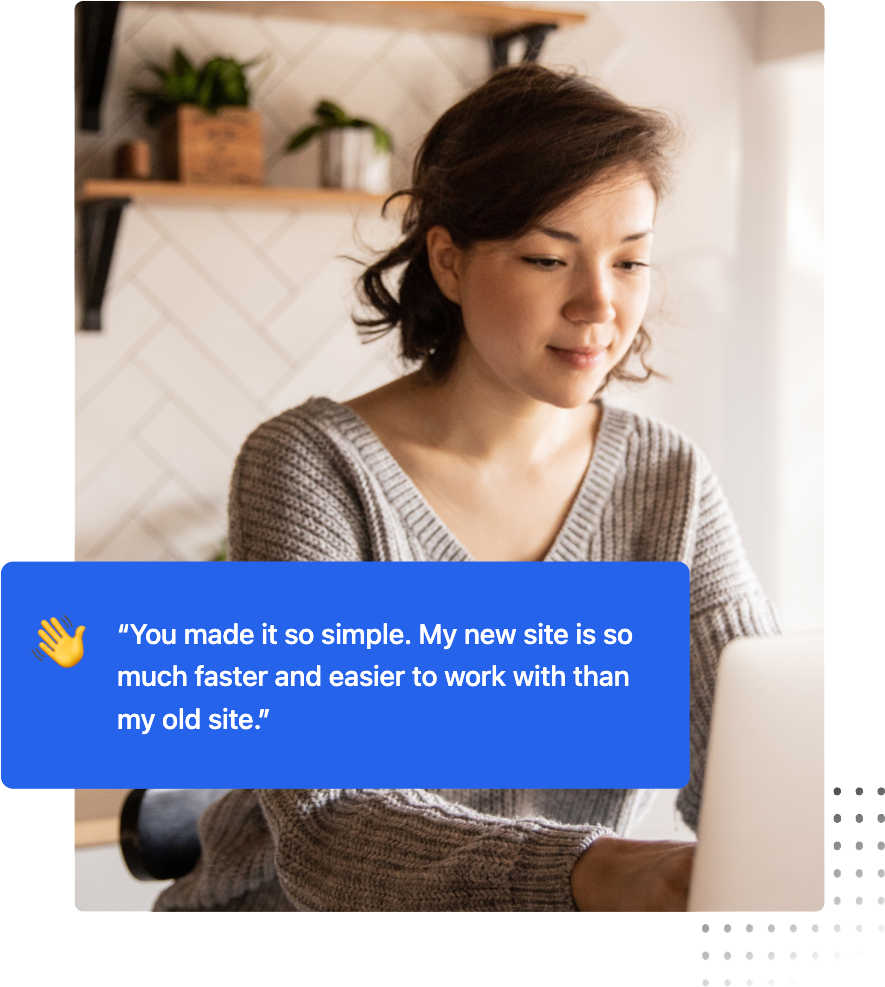
“Social proof is your most underutilized conversion tool. Real testimonials signal trust to human visitors and act as entity validation signals that AI search engines use to evaluate your authority and credibility.”

A photo of Shaun Benson, Marketing Manager, Agriflora
Shaun Benson, Marketing Manager, Agriflora Inc.
girl-working-on-laptop
Thought Leadership

Position Your Team as the Ultimate Authority in Your Space

By sharing your expertise here, you aren't just "blogging"—you're feeding AI search engines the high-quality data they need to recommend your business as the top choice.
FAQ Module

Frequently Asked Questions

This FAQ module is more than just a support tool; it’s a strategic asset designed to help your brand surface as a Direct Answer in AI-driven search results.
What is AEO and why should I include an FAQ on my page?

Answer Engine Optimization (AEO) is the process of optimizing content for AI models like ChatGPT and Google Search Generative Experience.

By providing clear, concise questions and answers, you make it easier for these engines to find and pull your content as a featured snippet or direct response.

How does the Generator FAQ module help with "Topic Authority"?

AI crawlers look for "Helpful Content" that demonstrates deep expertise.

Using this module to address specific, niche-related questions signals to search engines that your page is a comprehensive resource, which can significantly boost your overall E-E-A-T (Experience, Expertise, Authoritativeness, and Trustworthiness) ranking.

Can I customize the look of the FAQ to match my brand?

Absolutely. You have full control over the "Surface" styles, including borders, corner rounding, and drop shadows. This allows you to maintain a clean, professional look that reduces cognitive load for your users while keeping them engaged with your most important technical or service-related information.

Get Started

Upgrade Your HubSpot Site

Generator is the easiest way to build a professional HubSpot site. Get a website that looks great, loads fast, and uses the latest AI search tech to help more customers find your business.