
Skip to content

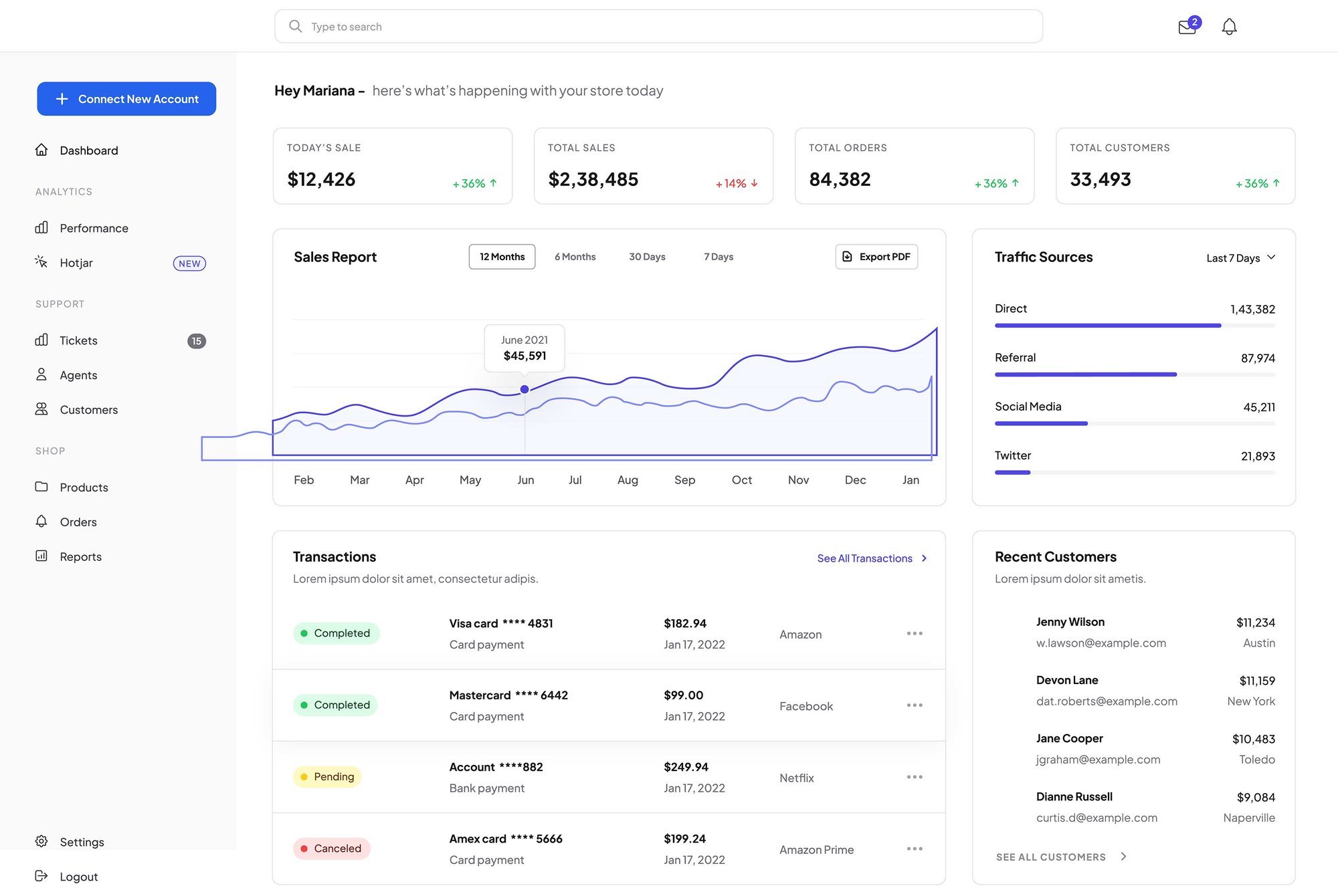
Highlight your product’s interface alongside a clear value proposition to give visitors an immediate look at your platform’s core features and drive higher engagement.
saas-mockup
Logo
Logo
Logo
Logo
Logo
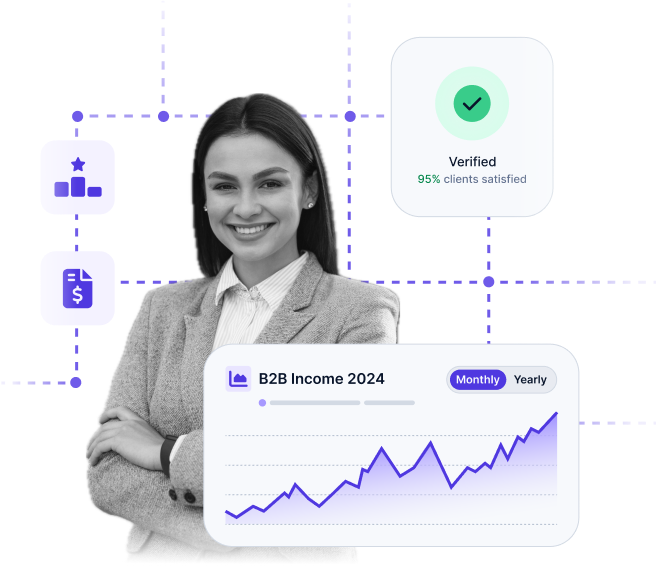
woman-features

Capture Attention with Dynamic Text Reveal

Guide your reader's focus by animating your headlines and body text as they enter the viewport. These subtle entrance effects make your content feel alive and ensure your most important messaging doesn't get lost in a static layout.

Section Header

Section Header

Use this section header to introduce your core product features. Keep the subtitle concise — one sentence that sets context for the cards below.

Elevated Styling

Use these card containers to make specific features stand out from the rest of the page layout.

Professional Depth

Add subtle shadows and borders to give your business offerings a modern, three-dimensional feel.

Distinct Focus

Separate complex information into clean, digestible units that encourage user interaction and clicks.

Dynamic Spacing

Adjust margins and padding with simple sliders to create the perfect amount of white space.

Border Customization

Fine-tune corner rounding and border weights to match your brand's unique design language.

Mobile Optimization

These cards automatically stack and resize to ensure a seamless experience on every device.
Feature Section

Narrative & Technical Feature List

Use this area to explain the "why" behind your services. This narrative text allows you to build a connection with your audience before they dive into the specific details listed below.
  • Seamless Tool Integration: Connect your existing software with zero downtime or complex setup.
  • Enterprise-Grade Security: Protect sensitive data with industry-standard encryption and safety protocols.
  • Real-Time Performance: Monitor your business operations with instant data updates and live reporting.
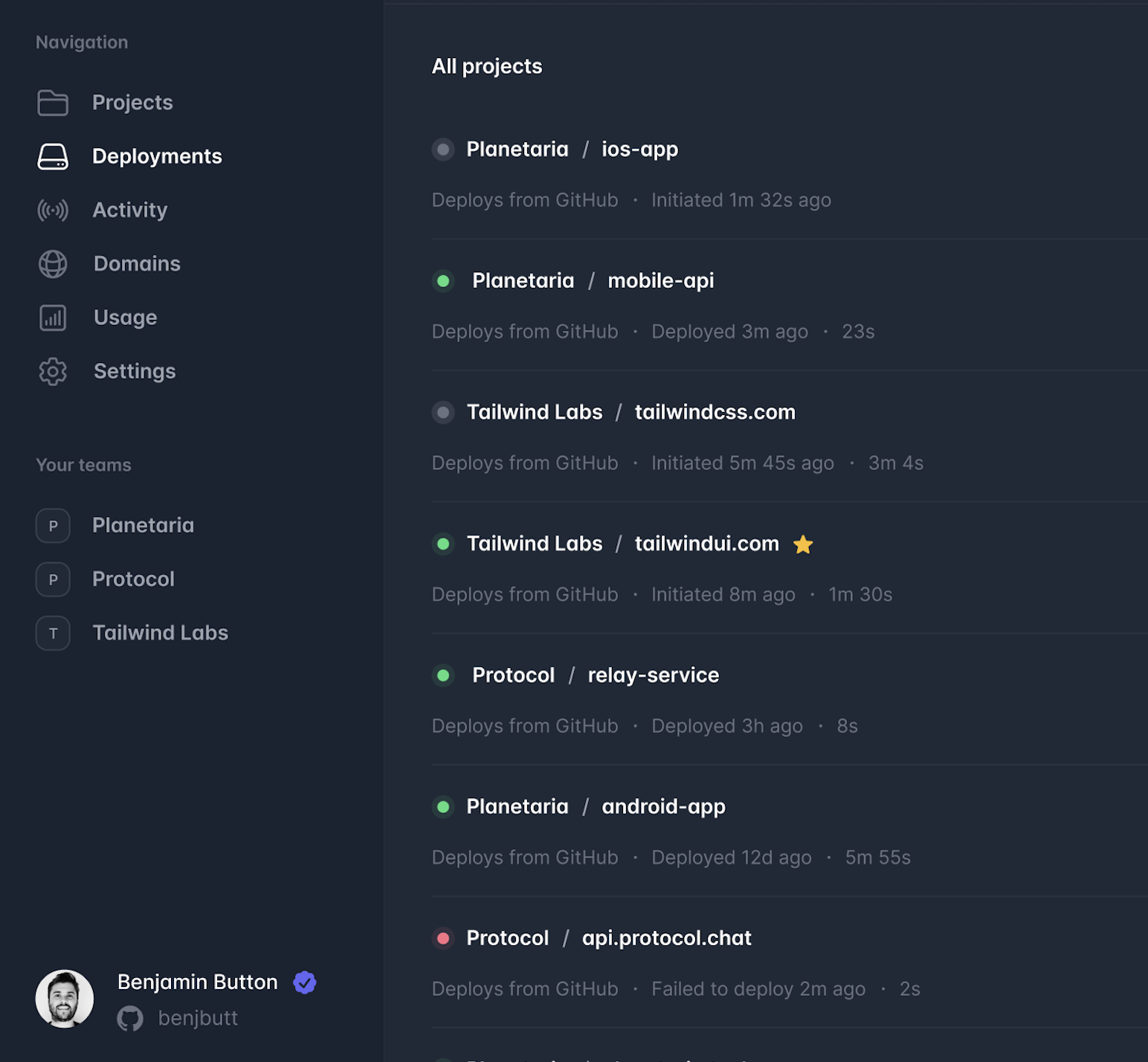
saas-mockup
Screenshot 2025-07-20 at 11.54.01 AM
Dark Theme

Design High-Contrast Layouts with Built-in Dark Mode Support

Generator gives you total control over your section "surfaces." Easily switch to dark backgrounds to create a premium, cinematic feel that highlights your most important content.
  • Optimized for AI Search
  • High-contrast bullet points
  • Organize related points to signal expertise.
Pricing Module

Position Your Modules Any Way You Want With Flexible Columns

This section demonstrates how you can drag your pricing modules into specific columns to create unique side-by-side comparisons, or to leave room for additional context like sales copy or supportive images.
 

Free

Enable the monthly and yearly toggle to show dynamic pricing. It’s the perfect way to demonstrate value and encourage users to commit to longer-term billing cycles.

$0/mo

1 mo. minimum - cancel any time

  • Feature item 1
  • Feature item 2
  • Feature item 3
  • Feature item 4
  • Feature item 5

Enterprise

Every element is customizable. You can easily add or remove feature lists, edit pricing currency, and make buttons clickable to drive users directly to your checkout.

$99/mo

1 mo. minimum - cancel any time

  • Feature item 1
  • Feature item 2
  • Feature item 3
  • Feature item 4
  • Feature item 5
FAQ Module

Frequently Asked Questions

This FAQ module is more than just a support tool; it’s a strategic asset designed to help your brand surface as a Direct Answer in AI-driven search results.
What is AEO and why should I include an FAQ on my page?

Answer Engine Optimization (AEO) is the process of optimizing content for AI models like ChatGPT and Google Search Generative Experience.

By providing clear, concise questions and answers, you make it easier for these engines to find and pull your content as a featured snippet or direct response.

How does the Generator FAQ module help with "Topic Authority"?

AI crawlers look for "Helpful Content" that demonstrates deep expertise.

Using this module to address specific, niche-related questions signals to search engines that your page is a comprehensive resource, which can significantly boost your overall E-E-A-T (Experience, Expertise, Authoritativeness, and Trustworthiness) ranking.

Can I customize the look of the FAQ to match my brand?

Absolutely. You have full control over the "Surface" styles, including borders, corner rounding, and drop shadows. This allows you to maintain a clean, professional look that reduces cognitive load for your users while keeping them engaged with your most important technical or service-related information.

Get Started

Upgrade Your HubSpot Site

Generator is the easiest way to build a professional HubSpot site. Get a website that looks great, loads fast, and uses the latest AI search tech to help more customers find your business.