

Skip to content

Pre-Build Content Sections for your HubSpot Website and Landing Pages

Flexible content sections for text, images, or video—drag and drop them onto any page and make them your own.
woman-2

Two Column Section with Dynamic Text Reveal

Guide your reader's focus by animating your headlines and body text as they enter the viewport. These subtle entrance effects make your content feel alive and ensure your most important messaging doesn't get lost in a static layout.

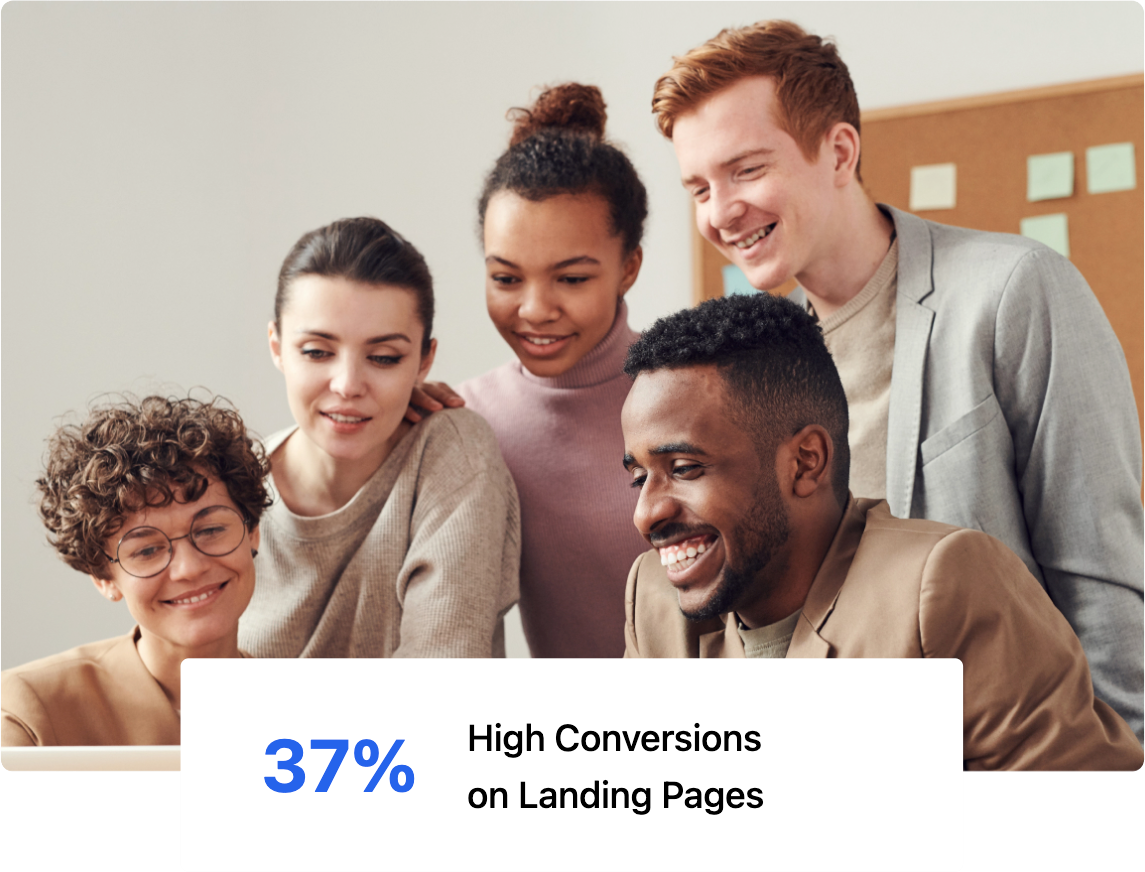
Two Column Content Section with On-Scroll Image Slide-In Effect

Bring your visuals to life with customizable entrance animations.

Whether it’s a soft fade, a slide, or a zoom, these interactions add a layer of professional polish that keeps users engaged as they journey down your page.

people
woman-2
Content Section

Two Column Content Section with High-Impact Bullet Points

This versatile layout is the workhorse of your website. It combines a primary message with a structured list to help you rank for specific topics while providing a clear, scannable experience for your visitors.
  • AEO Optimized: Structured lists help you win featured snippets in AI search.
  • Skim-Friendly: High-contrast bullets stop the scroll and highlight key value.
  • Topic Authority: Organize related points to signal deep expertise to crawlers.
woman-2
Dark Theme

Design High-Contrast Layouts with Built-in Dark Mode Support

Generator gives you total control over your section "surfaces." Easily switch to dark backgrounds to create a premium, cinematic feel that highlights your most important content.
  • Optimized for AI Search
  • High-contrast bullet points
  • Organize related points to signal expertise.
Logo
Logo
Logo
Logo
Logo
Section Label

Use Asymmetric Layouts to Create a High-End Editorial Look and Feel

Choose this layout for heavy content like mission statements, company values, or detailed philosophy sections.

By isolating the headline in the left column, you create a sophisticated visual balance that makes long-form text feel less intimidating and more prestigious.

This structure is perfect for establishing Topic Authority. Use the left-hand anchor to state a broad category or pillar, and use the right-hand body text to provide the depth.

Sticky Content Scroll

Maintain Context with Scrollable Sticky Content Sections

This column stays pinned while the right-hand column scrolls. Use it to keep a phase title or key message visible as visitors move through multiple supporting details.

Phase 01: Strategic Discovery

Start your process by defining the goals. In this right-hand column, you can stack as many cards as needed to explain your workflow.

The sticky header on the left will stay with the user as they scroll through this phase.

Phase 02: Design & Prototyping

Because this column can take any module, you can mix text, images, or even buttons here.

This flexibility allows you to show the evolution of a project while the "Phase" title remains locked on the left.

Phase 03: Final Development

As the user reaches the end of the scroll, the sticky module will naturally unpin and follow the rest of the page.

Use this final card to drive a call-to-action or summarize the final outcome of your process.

Phase 04: Launch & Optimize

Deploy your final assets and begin the continuous process of monitoring data to improve performance over time.


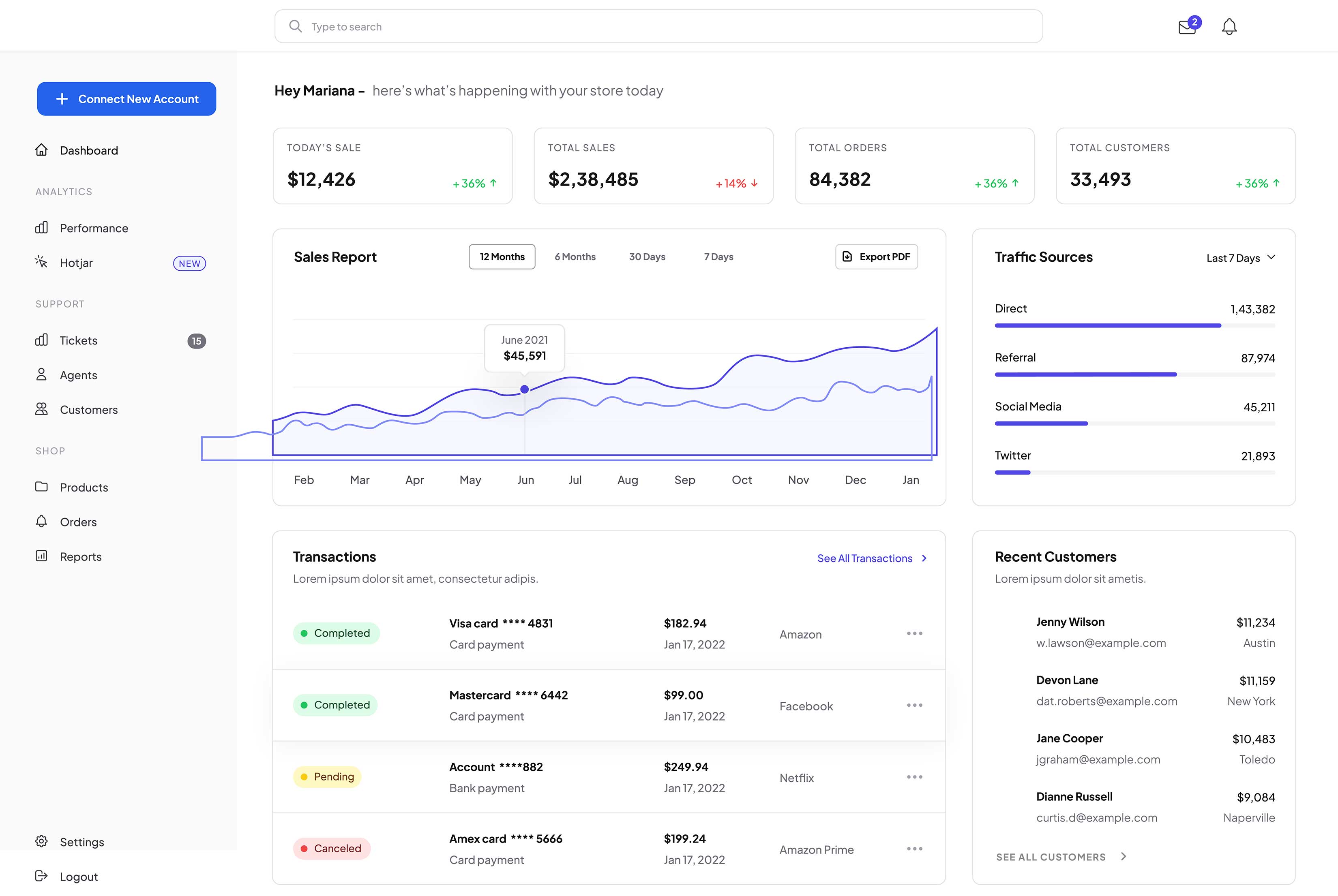
Organize Complex Information Into Content Tabs

Use this pairing when you want copy and an image to line up along the middle when heights differ. Adjust Vertical Alignment if you prefer top- or bottom-aligned columns.
SaaS product mockup

Organize Complex Information Into Content Tabs

Use this pairing when you want copy and an image to line up along the middle when heights differ. Adjust Vertical Alignment if you prefer top- or bottom-aligned columns.

SaaS product mockup

Interactive Visual Cues

Use the front of the card to spark curiosity with a high-level benefit. The flip action then "rewards" the user with the deeper explanation, increasing the time they spend interacting with your content.

Interactive Visual Cues

By hiding technical specs or long descriptions on the back of the card, you prevent the user from feeling overwhelmed. This "progressive disclosure" keeps the initial browsing experience clean and focused.

Optimize for AEO Intent

Structure the front as a common user question and the back as the authoritative answer. This clear Q&A format is highly readable for AI crawlers looking for direct solutions to specific user queries.

Highlight Your Primary Features With Expansive Bento Grid Layout

Use this module for your main story: a headline and short supporting copy. The height is set for a bento "hero" cell so visitors see one clear message beside the smaller tiles.

Second story in the right column

This tile uses the same Offer Card module with a shorter minimum height. Add a supporting benefit, proof point, or link—edit the rich text independently of the tall card.

Complete the bento: third tile

Use the bottom card for pricing, a resource, or another CTA. All three instances share one card style from the section—swap copy and links in each module without changing the layout.

Highlight Your Primary Features With Expansive Bento Grid Layout

Use this module for your main story: a headline and short supporting copy. The height is set for a bento "hero" cell so visitors see one clear message beside the smaller tiles.

Second story in the right column

This tile uses the same Offer Card module with a shorter minimum height. Add a supporting benefit, proof point, or link—edit the rich text independently of the tall card.

Complete the bento: third tile

Use the bottom card for pricing, a resource, or another CTA. All three instances share one card style from the section—swap copy and links in each module without changing the layout.
Card image

Categorize Your Content

Use these cards to group your services or features. It helps users find what they need quickly without having to read through a wall of text.
Card image

Drive Targeted Actions

You can make each individual card clickable. This allows you to turn every card into a button that drives users to a specific landing page or resource.
Card image

Rank for Your Topics

AI models look for "Entity Groups." By grouping related card titles, you tell search engines exactly which topics your brand is an authority on.
Card Slider Module

Two Column Section with Card Slider Module

This section demonstrates the flexibility of the Generator Theme. You aren't limited to simple text; you can drag advanced modules like this Card Slider into any column to create high-density, feature-rich layouts.

42
%
Animated Progress Tracking
These counters automatically trigger as the user scrolls into view, adding a sense of energy and movement to your key performance indicators.
25000
$
Versatile Data Formatting
You can easily add custom prefixes or suffixes, such as currency symbols or plus signs, to provide clear context for every data point.
1000
+
Scalable Success Metrics
Use this section to highlight your most impressive milestones, from total clients served to years of industry-leading experience.
woman-2
42
%
Animated Progress Tracking
These counters automatically trigger as the user scrolls into view, adding a sense of energy and movement to your key performance indicators.
25000
$
Versatile Data Formatting
You can easily add custom prefixes or suffixes, such as currency symbols or plus signs, to provide clear context for every data point.

Free

Enable the monthly and yearly toggle to show dynamic pricing. It’s the perfect way to demonstrate value and encourage users to commit to longer-term billing cycles.

$0/mo

1 mo. minimum - cancel any time

  • Feature item 1
  • Feature item 2
  • Feature item 3
  • Feature item 4
  • Feature item 5

Professional

Use the "Most Popular" toggle to visually highlight a specific card. This draws the eye to your preferred tier and helps guide the user's decision-making process.

$29/mo

1 mo. minimum - cancel any time

  • Feature item 1
  • Feature item 2
  • Feature item 3
  • Feature item 4
  • Feature item 5

Enterprise

Every element is customizable. You can easily add or remove feature lists, edit pricing currency, and make buttons clickable to drive users directly to your checkout.

$99/mo

1 mo. minimum - cancel any time

  • Feature item 1
  • Feature item 2
  • Feature item 3
  • Feature item 4
  • Feature item 5

Free

Enable the monthly and yearly toggle to show dynamic pricing. It’s the perfect way to demonstrate value and encourage users to commit to longer-term billing cycles.

$0/year

Our most affordable plan ever!

  • Feature item 1
  • Feature item 2
  • Feature item 3
  • Feature item 4
  • Feature item 5

Professional

Use the "Most Popular" toggle to visually highlight a specific card. This draws the eye to your preferred tier and helps guide the user's decision-making process.

$299/year

Save over 15% annually

  • Feature item 1
  • Feature item 2
  • Feature item 3
  • Feature item 4
  • Feature item 5

Enterprise

Every element is customizable. You can easily add or remove feature lists, edit pricing currency, and make buttons clickable to drive users directly to your checkout.

$999/year

Save over 15% annually

  • Feature item 1
  • Feature item 2
  • Feature item 3
  • Feature item 4
  • Feature item 5

Pricing Table Module with Flexible Columns

This section demonstrates how you can drag your pricing modules into specific columns to create unique side-by-side comparisons, or to leave room for additional context like sales copy or supportive images.
 

Free

Enable the monthly and yearly toggle to show dynamic pricing. It’s the perfect way to demonstrate value and encourage users to commit to longer-term billing cycles.

$0/mo

1 mo. minimum - cancel any time

  • Feature item 1
  • Feature item 2
  • Feature item 3
  • Feature item 4
  • Feature item 5

Enterprise

Every element is customizable. You can easily add or remove feature lists, edit pricing currency, and make buttons clickable to drive users directly to your checkout.

$99/mo

1 mo. minimum - cancel any time

  • Feature item 1
  • Feature item 2
  • Feature item 3
  • Feature item 4
  • Feature item 5
cc-stripe


cc-stripe


cc-stripe


cc-stripe


cc-stripe


Feature name
Feature name
Feature name
Feature name
Feature name

Best Hubspot Theme

"Generator is the best Theme we've seen for HubSpot. High-Quality of development and we really love to work with David!"

Generator Theme Testimonial
Marcello G.
CEO, Heroes Group

Best Hubspot Theme

"Generator is the best Theme we've seen for HubSpot. High-Quality of development and we really love to work with David!"

Generator Theme Testimonial
Marcello G.
CEO, Heroes Group

Best Hubspot Theme

"Generator is the best Theme we've seen for HubSpot. High-Quality of development and we really love to work with David!"

Generator Theme Testimonial
Marcello G.
CEO, Heroes Group

Best Hubspot Theme

"Generator is the best Theme we've seen for HubSpot. High-Quality of development and we really love to work with David!"

Generator Theme Testimonial
Marcello G.
CEO, Heroes Group

Best Hubspot Theme

"Generator is the best Theme we've seen for HubSpot. High-Quality of development and we really love to work with David!"

Generator Theme Testimonial
Marcello G.
CEO, Heroes Group

Best Hubspot Theme

"Generator is the best Theme we've seen for HubSpot. High-Quality of development and we really love to work with David!"

Generator Theme Testimonial
Marcello G.
CEO, Heroes Group

Best Hubspot Theme

"Generator is the best Theme we've seen for HubSpot. High-Quality of development and we really love to work with David!"

Generator Theme Testimonial
Marcello G.
CEO, Heroes Group

Best Hubspot Theme

"Generator is the best Theme we've seen for HubSpot. High-Quality of development and we really love to work with David!"

Generator Theme Testimonial
Marcello G.
CEO, Heroes Group

“Social proof is your most underutilized conversion tool. Real testimonials signal trust to human visitors and act as entity validation signals that AI search engines use to evaluate your authority and credibility.”

girl-working-on-laptop
Accordion Module

Frequently Asked Questions

This FAQ module is more than just a support tool; it’s a strategic asset designed to help your brand surface as a Direct Answer in AI-driven search results.

What is AEO and why should I include an FAQ on my page?

Answer Engine Optimization (AEO) is the process of optimizing content for AI models like ChatGPT and Google Search Generative Experience.

By providing clear, concise questions and answers, you make it easier for these engines to find and pull your content as a featured snippet or direct response.

How does the Generator FAQ module help with AEO?

AI crawlers look for "Helpful Content" that demonstrates deep expertise.

Using this module to address specific, niche-related questions signals to search engines that your page is a comprehensive resource, which can significantly boost your overall E-E-A-T (Experience, Expertise, Authoritativeness, and Trustworthiness) ranking.

Can I customize the look of the FAQ to match my brand?

Absolutely. You have full control over the "Surface" styles, including borders, corner rounding, and drop shadows. This allows you to maintain a clean, professional look that reduces cognitive load for your users while keeping them engaged with your most important technical or service-related information.

Accordion Module

Frequently Asked Questions

This FAQ helps visitors self-serve and gives AI-friendly Q&A on the page. Replace the questions and answers with your own topics, then keep each answer concise so it reads well in search and chat.
What is AEO and why should I include an FAQ on my page?

Answer Engine Optimization (AEO) is the process of optimizing content for AI models like ChatGPT and Google Search Generative Experience.

By providing clear, concise questions and answers, you make it easier for these engines to find and pull your content as a featured snippet or direct response.

How does the Generator FAQ module help with "Topic Authority"?

AI crawlers look for "Helpful Content" that demonstrates deep expertise.

Using this module to address specific, niche-related questions signals to search engines that your page is a comprehensive resource, which can significantly boost your overall E-E-A-T (Experience, Expertise, Authoritativeness, and Trustworthiness) ranking.

Can I customize the look of the FAQ to match my brand?

Absolutely. You have full control over the "Surface" styles, including borders, corner rounding, and drop shadows. This allows you to maintain a clean, professional look that reduces cognitive load for your users while keeping them engaged with your most important technical or service-related information.